
The Rundeck Welcome Projects are sample projects that show how to configure and use Rundeck. In this guide we show you how to set up, start and run the key parts of the Welcome Projects.
Virtueller Kaffee und Themen rund um IT, Ops, Dev, Homelabs und Wolken…
The Rundeck Welcome Projects are sample projects that show how to configure and use Rundeck. In this guide we show you how to set up, start and run the key parts of the Welcome Projects.

StackStorm Web UI Updates in v3.8.0 include Auto-Save Workflow, New Hotkey Shortcuts, support for the new Rule Search Criteria and Security enhancements, contributed by Bitovi.

Postman’s Newman Docker Extension helps you run, test, debug, and visualize Postman API calls. Learn how to use this powerful new extension and run collections in Docker Desktop.
Source: Automate API Tests and Debug in Docker With Postman’s Newman Extension

This is my first article in what is poised to become a series on installing, configuring, and running a home server with (dockerized or virtualized) services such as Home Assistant and OwnCloud.
Source: Installing Proxmox as Docker Host on Intel NUC Home Server • Helge Klein
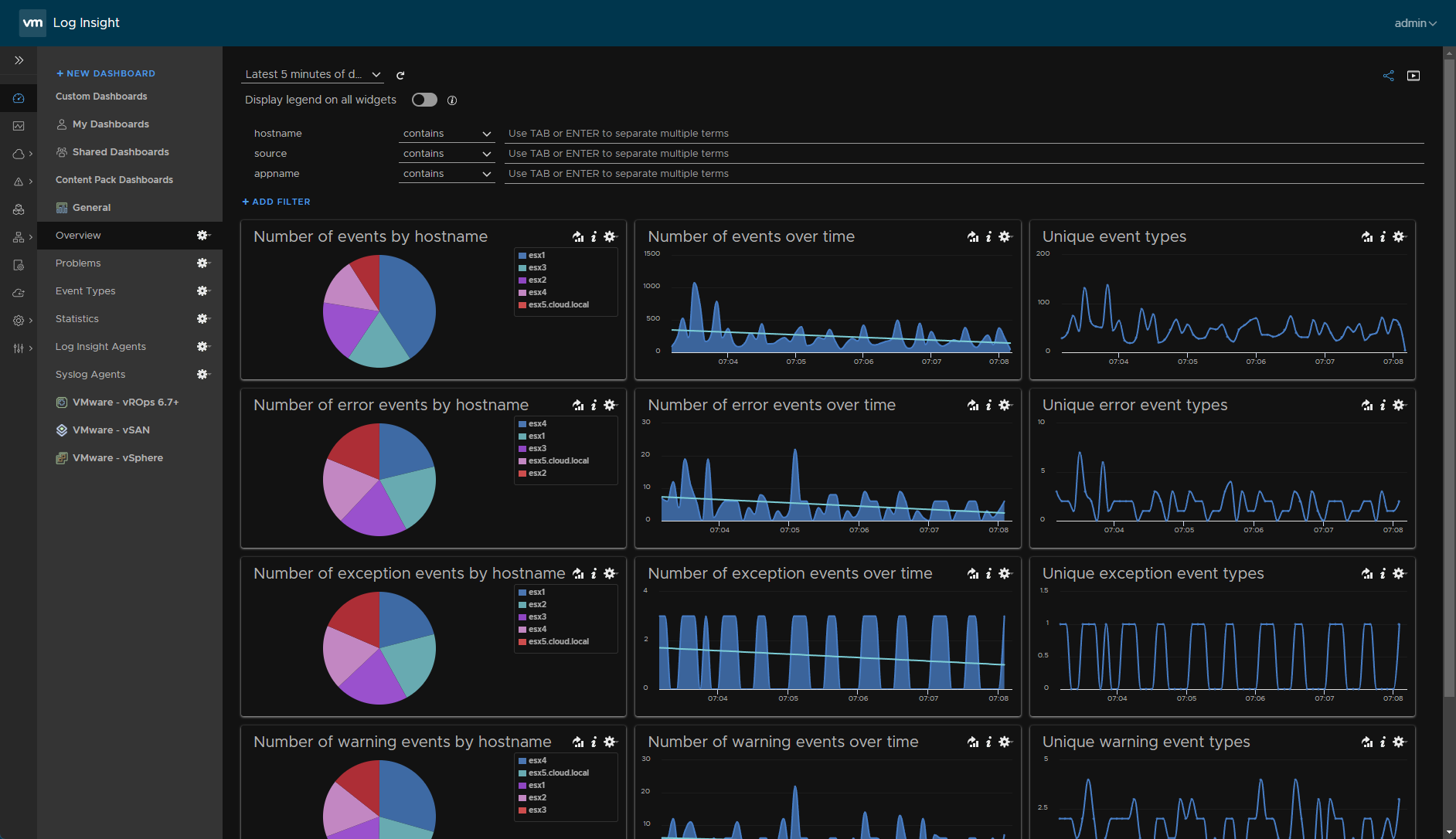
vRealize Log Insight syslog configuration. Looking at the features of VMware vRealize Log Insight and how it can be used as a syslog server

How to Build a Nested ESXi Lab. A look at hardware to use, how nested ESXi lab networking works, licensing, and deployment

In this post, we take a look at VMware NSX home lab setup including hardware, software and licensing as well as installation resources for learning
Source: VMware NSX Home Lab Setup

Supermicro VMware home lab setup including which Supermicro models and the reasons for using such as stability, price, supportability, and form factor/power
Source: Supermicro VMware Home Lab

Traditionally, logs are text heavy and relatively difficult to visualize or observe. Learn how Parseable displays rich, clear log data within Docker Desktop — helping you manage data more easily.
Source: Enable Cloud-Native Log Observability With Parseable

Source: Proxmox VE 7.3 released!